








Enjoy even more convenience with Direct Deposit!
Convenient, secure, and instant access to your funds
If you’re an existing online and mobile banking customer, we’ll send you an email to let you know when you’ll be able to download and use the new app. New online and mobile banking customers can download the app now.
Make the most of your Bank of Hawaii debit card.
Safe & Secure
Built-in protections and easy-to use tools help keep your money safe.
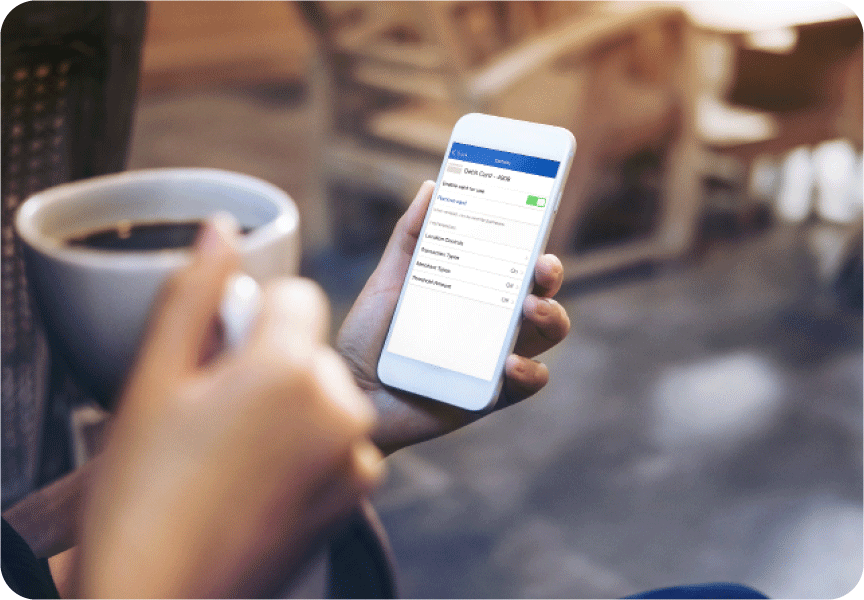
Built-in protection with Visa’s Zero Liability Policy*
Manage your card limits and alerts in the mobile app
Added Convenience
Simple, flexible ways to pay for everyday purchases.

Pay your way – In-store, online, or with a digital wallet
Skip the ATM – pay directly from your checking account
Save your card on file to never miss a payment
Earn points
For just $3 a month, earn AtmosTM Rewards Points with the Bankoh Hawaiian Airlines® Visa® Debit Card

Earn 1 point for every $2 in qualified purchases
Share points with no transaction fee
Earn up to 1,000 points per month
Digital Wallet-Ready
Use your debit card digitally for fast, secure, everyday payments.
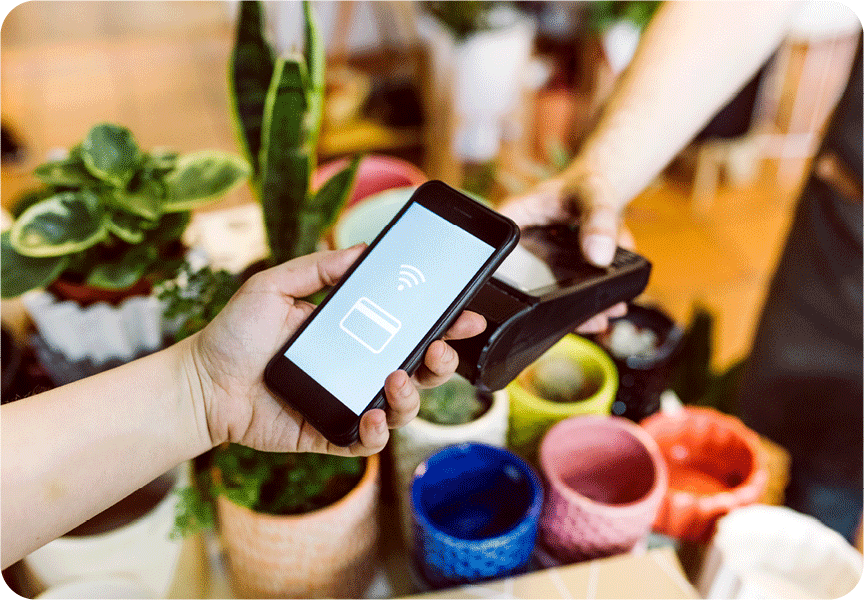
Fast, secure payments using your phone
Tap to pay anywhere contactless payments are accepted
Use your debit card before the physical card arrives (for iOS only)
Our self-serve features make managing your card easier than ever. Here are just a few of the things you can do:



Convenient, secure, and instant access to your funds
Activating your debit card is quick and easy! You can activate your debit card using our mobile app or by calling 1-877-353-0956 and following the prompts.
Your debit card will typically arrive within 5-8 business days after account open date or ordering a replacement card.
Yes, if you have an Apple phone (iOS device), you can start using your card right away. Just log into your Bank of Hawaii mobile app and add your debit card to Apple Pay or your digital wallet with a few taps:
Note: Apple Pay is not available in Guam, Saipan and Palau.
Yes. Visa debit cards include Visaʻs Zero Liability Protection*, which means you won’t be held responsible for unauthorized transactions when they're reported promptly, subject to certain limitations.
Yes. You can manage spending limits and alerts, and control when and where your debit card is used through the mobile app or online banking.
You can use your Visa debit card anywhere Visa is accepted – at millions of locations worldwide, including in-store and online.
Yes. Debit card purchases are deducted directly from your linked checking account at the time of purchase.
Note: Apple Pay is not available in Guam, Saipan and Palau.
Or you may add your card manually to your Apple Wallet by following these steps:
Setting and managing your PIN is easy using the “Manage my PIN” feature in the “Cards” section of the Bank of Hawaii Mobile App.
You may also set your PIN while activating your debit card through our automated system, by calling 1-877-353-0956.
If you have already activated your debit card and not set a PIN, you may request a PIN be mailed to you by contacting our Customer Service team.
Apple Pay is a trademark of Apple Inc., registered in the U.S. and other countries. Google Pay and Android are trademarks of Google LLC. Samsung and Samsung Pay are registered trademarks of Samsung Electronics Co., Ltd. PayPal and the PayPal logo are registered trademarks of PayPal, Inc.
*Visa’s Zero Liability Protection does not apply to transactions not processed by Visa. Learn more about Visa’s Zero Liability Protection.
Links to other sites are provided as a service to you by Bank of Hawaii. These other sites are neither owned nor maintained by Bank of Hawaii. Bank of Hawaii shall not be responsible for the content and/or accuracy of any information contained in these other sites or for the personal or credit card information you provide to these sites.
